Discover
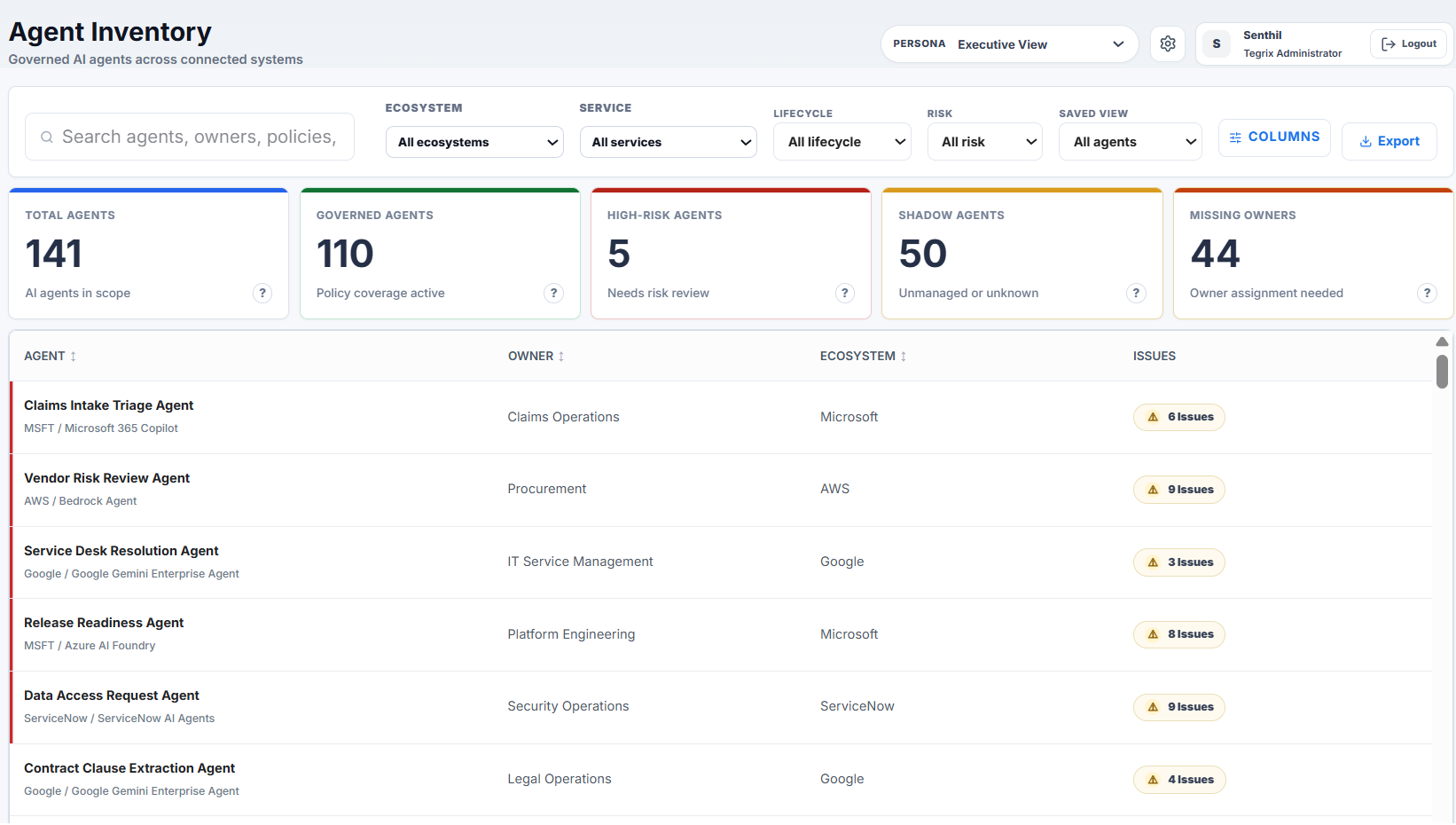
Find agents across platforms, business systems, and custom runtimes.
Platform
Tegrix turns the authority layer into product: discover the agent, bind reusable controls, evaluate decisions, enforce at runtime, and keep the Evidence Ledger.
Envelope lifecycle
Find agents across platforms, business systems, and custom runtimes.
Give each agent an Authority Envelope built from reusable controls.
Run policies read-only first so teams can see decisions before enforcement.
Return ALLOW, DENY, REQUIRE APPROVAL, or STOP at the runtime boundary.
Write the decision, facts, approval, and execution result to the Evidence Ledger.
Connectors and context
Connectors bring in platform evidence, ownership, identity, workflow, finance, ITSM, and security facts. Tegrix turns those signals into context an Envelope can use.
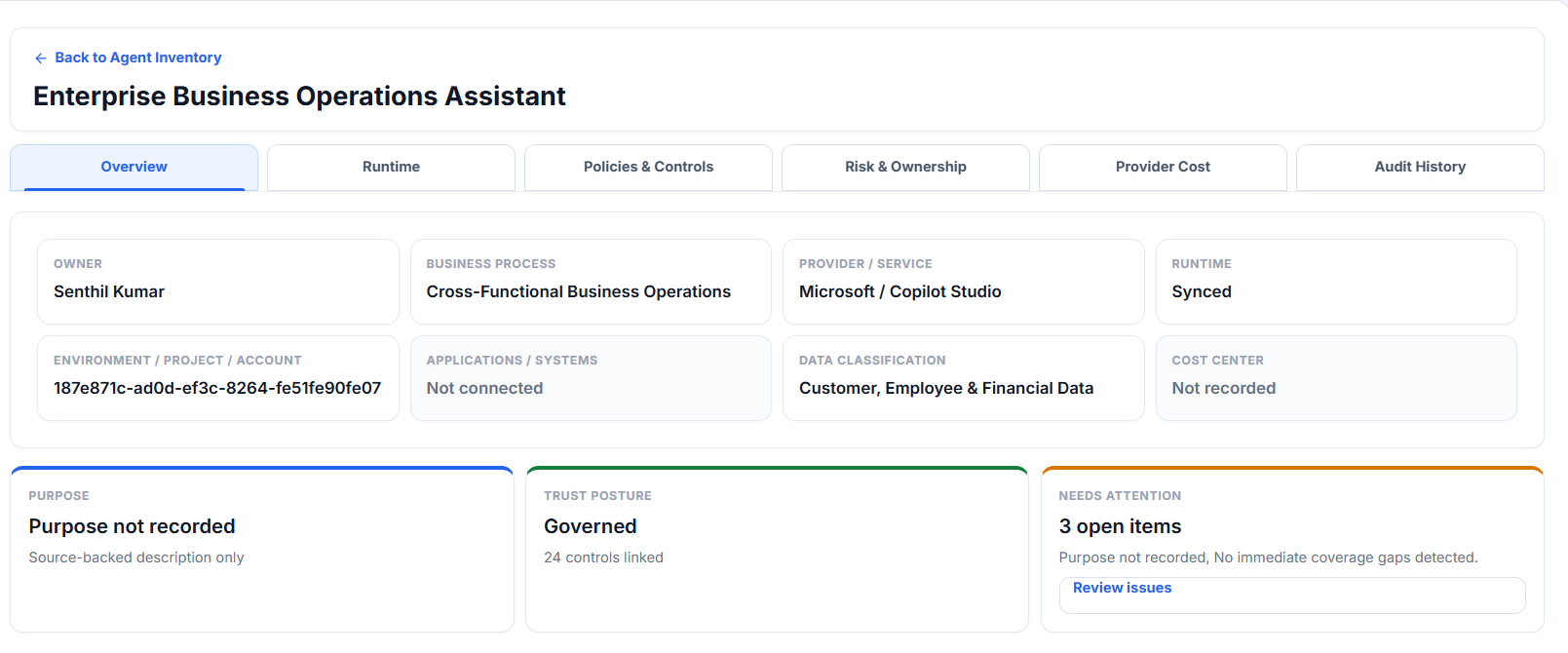
Discovery does not make an agent governed by itself. The agent still needs an enforceable boundary where consequential actions pass.
Authority Envelope
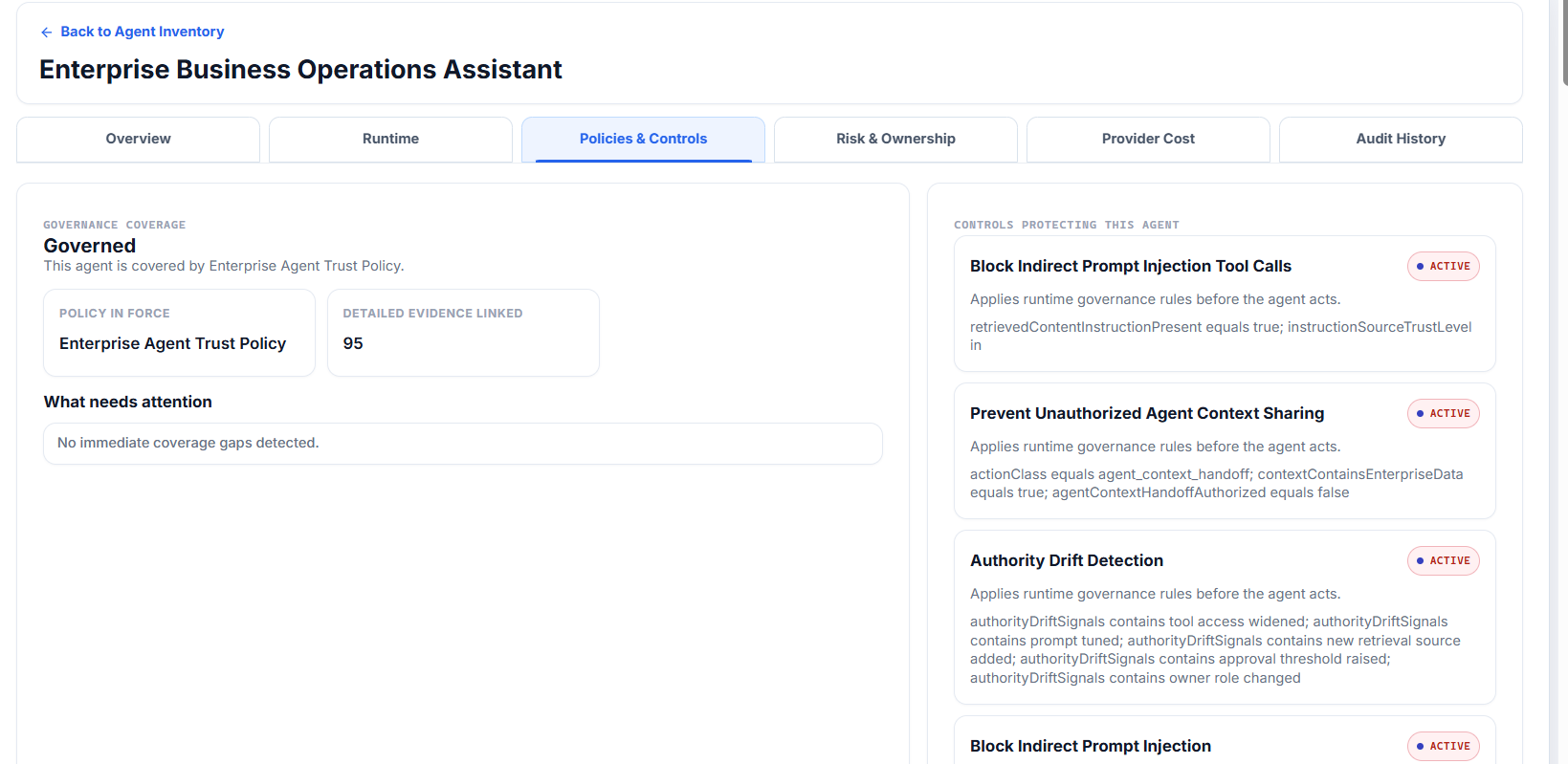
Controls define what an agent may do, against which systems and resources, under what conditions, and when a human must approve.
Approval anatomy
The approval names the human authorized to decide.
The approval is bound to the action, amount, system, time, and facts evaluated.
A prior approval cannot be reused for a different action or changed context.
Agents never approve themselves, and requesters cannot approve their own action.
Evidence Ledger
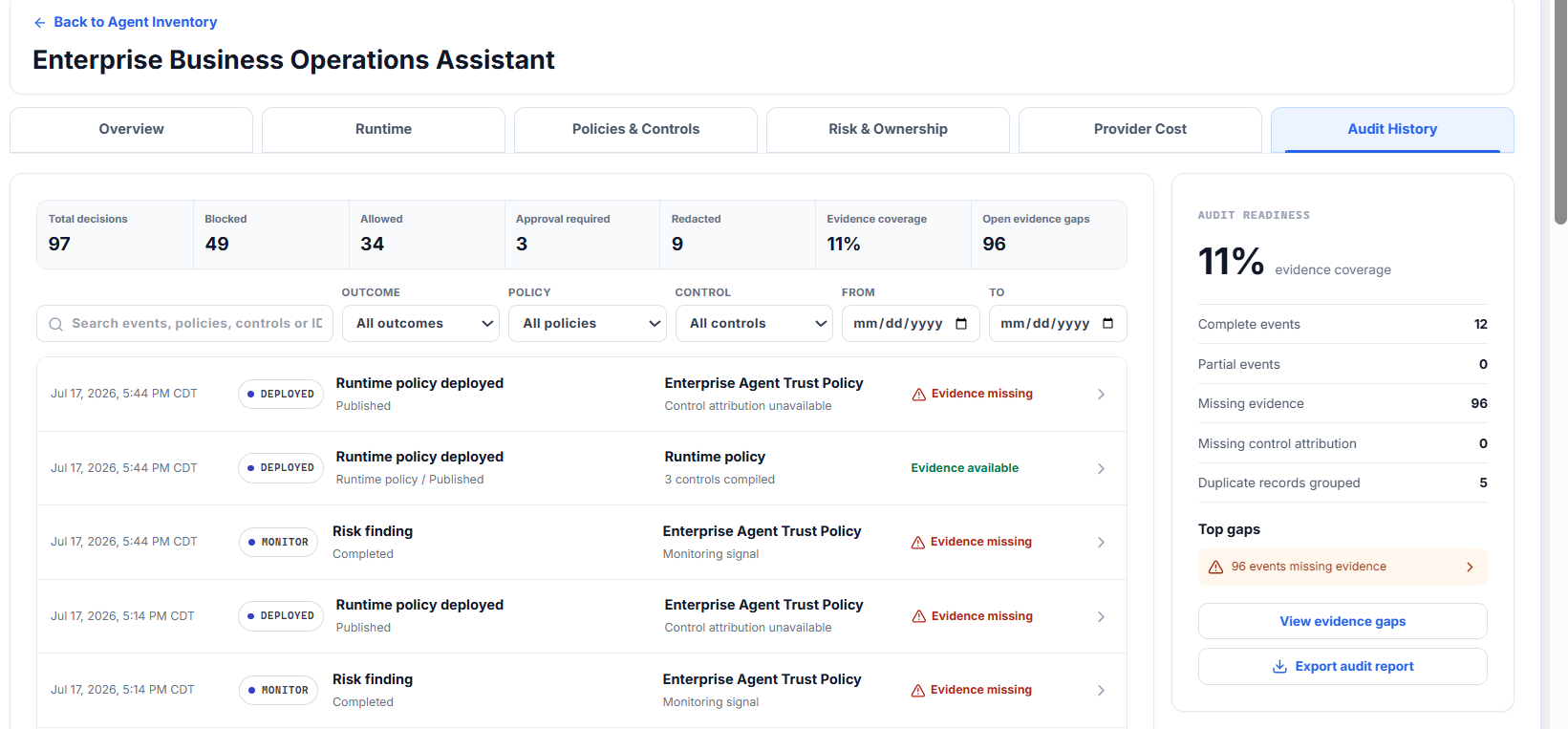
Because Tegrix makes the decision, the Ledger records evidence at the moment of decision, not after someone reconstructs logs.
Exact platform support
Current platform support uses public product names and precise status.
Amazon Bedrock Agents
Live runtime boundary
Agent actions governed before execution.
Amazon Bedrock AgentCore
Live gateway boundary
Gateway tool calls governed through the same authority model.
Google Vertex AI
Live runtime boundary
Google-hosted agent actions governed through the shared model.
Google Agent Gateway
Live gateway boundary
Gateway interception uses the same Envelope and Ledger.
Microsoft Copilot
Designed path
Provider integration expands through the same authority model.
Azure AI Foundry
Designed path
Provider integration expands through the same authority model.
Custom / MCP runtimes
Supported boundary pattern
Actions pass through an enforceable MCP, gateway, or interceptor boundary.
Adoption
Begin with one consequential workflow. See what Tegrix would allow, deny, require approval, or stop before enforcement changes operations.
Connect one environment read-only
Build inventory and enterprise context
Choose one consequential workflow
Evaluate policies without enforcement
Enable runtime control when ready
Expand by reusable controls